
Odoo apps
Odoo apps, explained by an integrator
A business owner is not searching for "Odoo": they are searching for inventory management software, a CRM for SMEs, billable time tracking.
So we have written one page per app, saying what it does, its real limits and what we configure. Odoo is a modular ERP: each Odoo module is switched on when a flow justifies it and all Odoo apps share the same database. None of the pages copies the vendor's documentation. Each one states its limits: that is what makes an Odoo integrator credible.
Sell: quotations, CRM, online shop and point of sale
All the apps, one single database
Every app opens from the same home screen, on the same customers, products and documents.
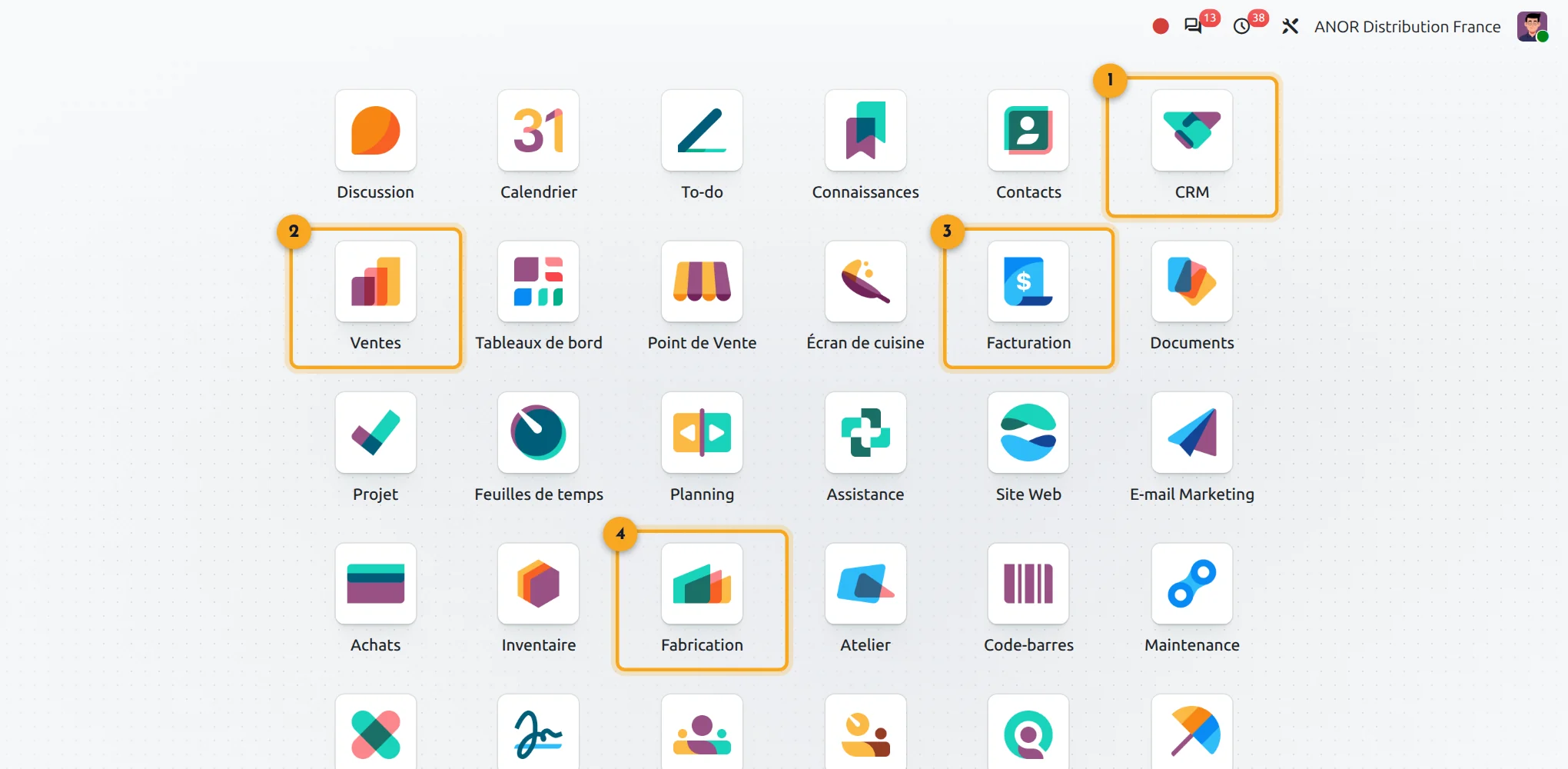
1CRM
Leads and opportunities.
2Sales
Quotations and orders.
3Invoicing
Invoices and payments.
4Manufacturing
Manufacturing orders and bills of materials.
Produce and deliver: manufacturing, inventory, purchasing and field service
Steer: projects, time and accounting
Human resources and payroll
The other Odoo apps, by domain
All included in the licence. We put them into service when a real flow justifies it, never to fill a catalogue.
Website and marketing
Website, Blog, Forum, eLearning, Live Chat, Email Marketing, SMS Marketing, Marketing Automation, Social Marketing, Events, Surveys: your online presence shares the ERP's master data.
Finance and documents
Expenses, Documents, Sign, Dashboards, Subscriptions, Rental: recurring invoicing, receipts and signed contracts reach the accounts without re-keying.
Operations and quality
PLM, Quality, Maintenance, Barcode, Repair: bill of materials revisions, control points, preventive maintenance and warehouse scanning round out manufacturing and inventory.
Human resources
Recruitment, Time Off, Attendances, Skills, Appraisals, Referrals, Fleet: the employee file remains the single entry point for HR, managers and employees.
Services and planning
Helpdesk, Planning, Appointments: tickets with service level commitments, team schedules by skill and online booking synchronised with your calendars.
Productivity and connections
Discuss, Approvals, Knowledge, VoIP, WhatsApp, Internet of Things: approval circuits, internal wiki, calls from the customer record and connected equipment on the shop floor.
Where does Odoo come from and why an integrator?
Odoo was born in Belgium in 2005 as TinyERP, renamed OpenERP and then Odoo in 2014. Since then a major version has come out every year and the publisher supports the last three. Its core is open source, its App Store and its community extend the standard. The reasons to choose it are set out on Why choose Odoo.
The software installs on its own; an ERP project, however, is won on the ground: processes, configuration, data migration, training, version upgrades. Rough configuration looks fine until the first stock count, poorly structured data costs you at every reminder, untrained users reject the tool. That is the work of an Odoo integrator: turning installed software into a lasting, maintainable and genuinely adopted tool.
Which Odoo app should you start with?
It is the first question of any project and it is not settled by reading a catalogue. A simple rule of thumb: start with the application that carries your most painful or most costly flow, then add the others in batches.
Choosing that scope is organisation consulting work before it is configuration. Our organisation consulting starts with a free situation audit: a review of your processes, a starting scope and prioritised batches, before any implementation.
Odoo apps talk to each other: a confirmed quotation feeds delivery, the invoice, then accounting. That is what makes an ERP worthwhile, but it means deciding the starting scope early. Depending on your trade, that scope differs: see Odoo by industry.
All Odoo apps are included in the "Custom" plan at €35.90 per user per month for the first year, then €44.90 from the second year. You therefore choose the scope according to your needs, not your licence budget.
And when the standard Odoo apps are not enough?
We first try to avoid development: configuration, process adaptation. When a need still has to be covered, a custom development or one of the ANOR modules published on the App Store completes the standard Odoo apps.
Odoo 20 AI for the apps
Odoo 20 embeds AI in a particularly advanced way: AI agents in the applications, AI-computed fields and connection to external tools through the MCP protocol. Your apps benefit without heavy development: we check with you which uses bring a real gain before enabling them.
Frequently asked questions about Odoo apps
In Odoo, an app is a module that appears in the main menu: Sales, Accounting, Inventory. The technical modules that come with it are installed alongside. Both words describe the same modular ERP: you switch on what your flows need.
Nothing more. The "Custom" plan at €35.90 per user per month for the first year, then €44.90 from the second year includes every Odoo app. The cost of a project comes from configuration, data migration and training, never from the number of Odoo modules switched on.
One that starts on a limited scope and grows in batches. Odoo allows exactly that: a first batch goes live from 8 weeks, then the next apps are added on the same database, with no interfaces to maintain between separate programs.
The software installs on its own. An Odoo integrator's work covers the rest: process scoping, configuration, data migration, training and version upgrades. At ANOR that work starts with a free situation audit, led by an Odoo consultant with hands-on business experience.
What scope for your company?
Thirty minutes is enough to work out a starting scope.